





























































Recipes, places, workouts & products from any reel

Your saved reels,
finally useful.

Share a reel from Instagram, TikTok, YouTube, Facebook or Pinterest. FeedSavy keeps it, and pulls out the recipe, the places or the workout so you can actually use it.

Free to start: 50 saves every month.

Save from the apps you already scroll.

Reels, posts, videos and single pins. Or paste a link, a screenshot or plain text.

  • Instagram
  • TikTok
  • YouTube
  • Facebook
  • Pinterest
Recipe
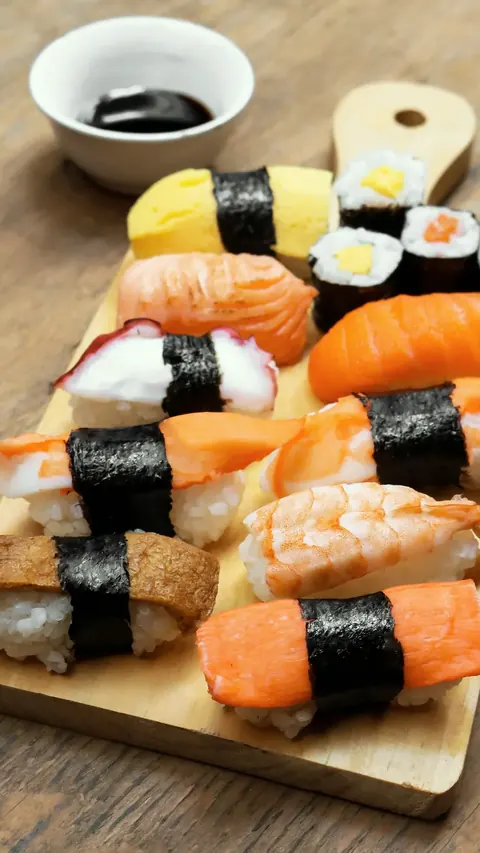
@rollandriceSushi night at home, step by step
Places
@slowtravel.notesA long weekend in Paris
Workout
@runclub.dailyCouch to 5K, week one
Recipe
@tacotuesday.clubStreet tacos with a 10-minute salsa
Product
@plainpairsThe white sneaker that goes with everything
Places
@citywalks.nycNew York in 48 hours
Routine
@morningbowlsMy five-minute breakfast routine
Recipe
@dalanddoughPaneer butter masala in 35 minutes
Places
@islandhopperBali's rice terraces, the quiet way
Idea
@smallspace.studioSmall living-room ideas that work
Routine
@dailystretchMorning stretch, six moves
Recipe
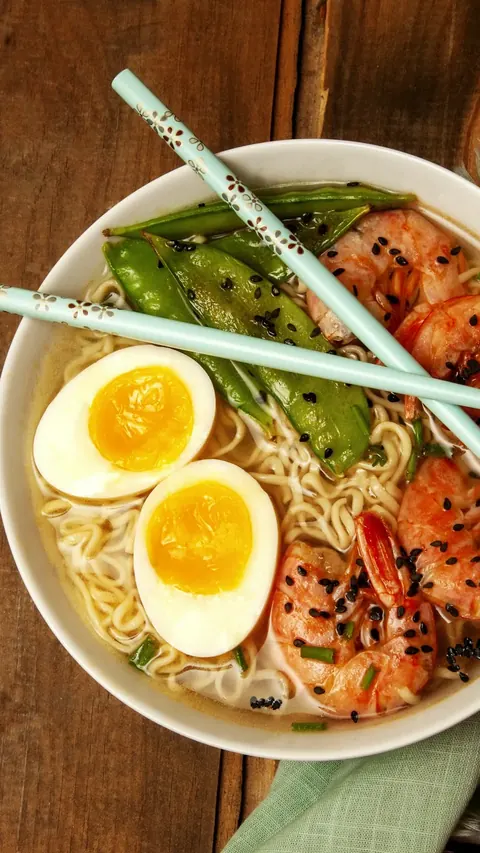
@noodlenightsWeeknight ramen in 25 minutes
Places
@pinkcity.walksJaipur in one weekend
How-to
@packlight.coPack a carry-on for five days
Places
@northbound.tripsIceland's south coast in 3 days

01 — How it works

Three taps from reel to recipe.

No new habit to learn. FeedSavy sits in the share sheet of the apps you already use.

  1. A woman relaxing on a sofa, scrolling reels on her phone
    01

    Share

    Tap Share on any reel, post or pin and pick FeedSavy.

  2. Two hands holding a phone that is playing a ramen reel
    02

    Choose

    Save keeps the reel and its cover. Save + Extract also writes down the recipe, the steps or the places. Only saved it? Tap Extract on the save any time.

  3. A smiling man leaning on his kitchen counter, looking at his phone
    03

    Use it

    Cook step by step with timers, search any place in Maps, follow the workout set by set.

02 — What it extracts

11 kinds of useful things, pulled from your reels.

Pick Save + Extract and FeedSavy reads the reel and its caption, works out what kind of find it is, and lays it out the way you would use it.

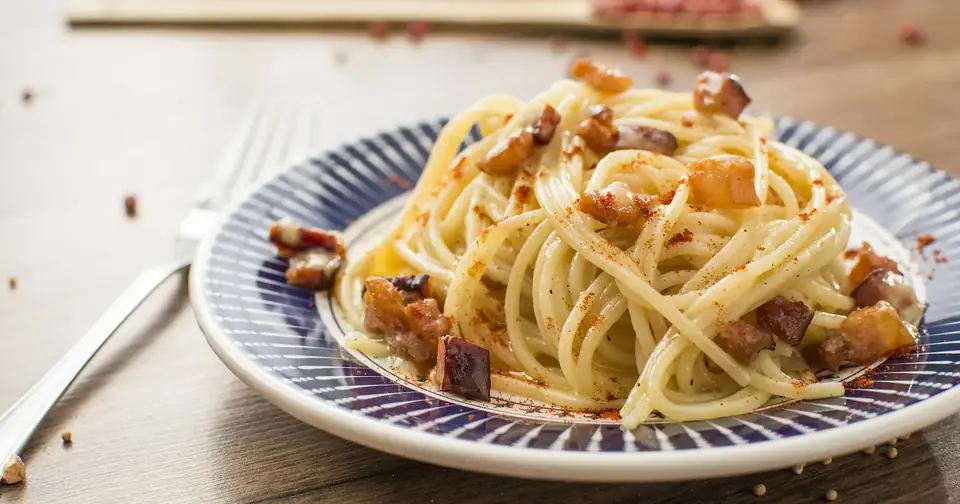
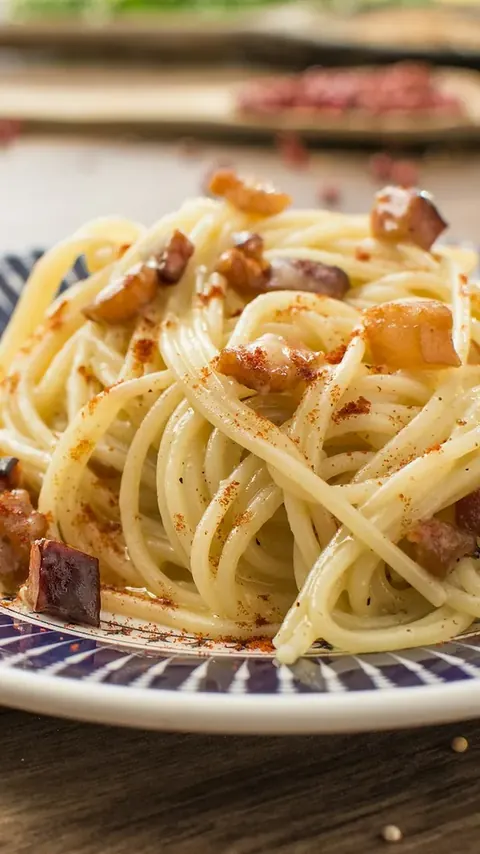
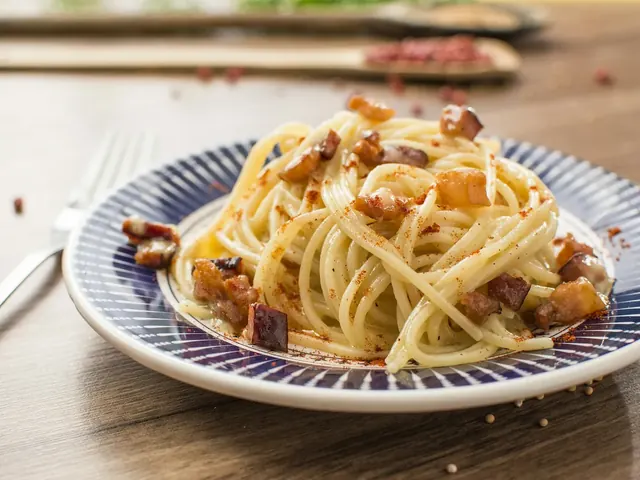
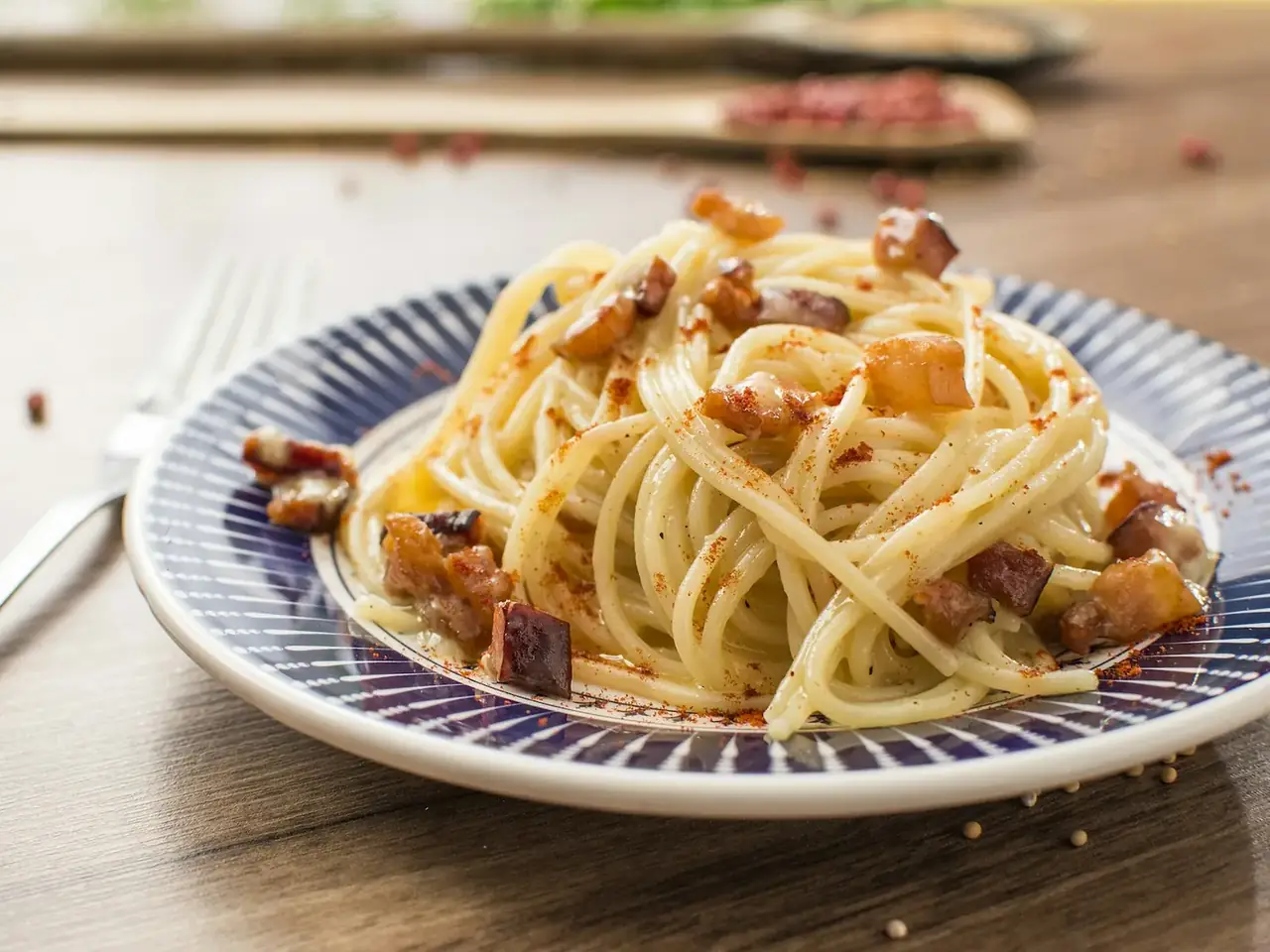
Spaghetti carbonara with crispy pancetta on a blue-and-white plate
Recipe

Ingredients you can tick off.

Quantities, steps and timers come out of the reel and its caption, ready when you start cooking.

  • Ingredients you tick off
  • Scale servings up or down
  • Steps with timers, one at a time
  • Tap a step to jump to it in the video

Blue-domed churches in Oia, Santorini, above the sea
Places

Every spot, in order.

The beaches, cafés and viewpoints a travel reel mentions, listed in the creator's order. Open any of them in Maps.

  • Each place, in the creator's order
  • Search any of them in Maps
  • Kept with the original reel
A man pressing a dumbbell to his shoulder in a bright gym
Workout

Sets and reps, not a blur.

Each move with its sets and reps, so you can follow along instead of pausing the reel.

  • Every move, in order
  • Sets and reps for each
  • Follow along, set by set
Black over-ear headphones on a bright yellow background
Product

That thing in the reel, found.

The product's name, brand and the price the creator mentions, pulled from the reel and its caption.

  • Name, brand and the price the creator mentioned
  • The creator's link, when they shared one
  • Kept with the original reel

And 7 more kinds

Routines, how-tos, events and the rest each get a layout of their own.

  • A woman stretching on a yoga mat at home
    RoutineMorning stretch, 6 steps
  • A knit cardigan, headphones and a leather bag laid out for packing
    How-toPack a carry-on for 5 days
  • An open book beside a stack of books and a coffee cup
    Watch & read3 books from one reel
  • Two friends laughing at something on a phone, with bougainvillea behind them
    EventOpen-air film night, Sat 8 pm
  • A calm living room with a grey sofa and terracotta cushions
    IdeaSmall living-room ideas
  • A hand holding a phone in warm sunlight
    Takeaway5 points from a podcast clip
  • A waterfall pouring between mossy cliffs onto a black pebble riverbed in Iceland
    NoteRoad-trip tips, summarised
  • Not sure what it is?FeedSavy works out the kind for you, and every save stays searchable.

03 — Features

Everything you saved, in one calm place.

Search, lists and the original reel, in an app that is quick to open and calm to use.

Lists & a weekly plan

Favorites and your own lists. One save can sit on as many lists as you like. Plan your week too: a recipe on Tuesday evening, a workout on Saturday morning.

Watch in the app

Play the original reel with the platform's official player, without leaving FeedSavy.

Add any way

Paste a link, add a screenshot or plain text, or start a save from scratch.

Sign up in a minute

Your name, email and a password. Your mobile number is confirmed with a one-time SMS code.

Dark mode

Dark by default. Easy on the eyes at 1 a.m.

FeedSavy opens in dark mode. Prefer light? Switch in Profile, or let it follow your phone.

04 — Pricing

Start free. Upgrade when you save more.

Start on the free plan and invite friends for extra saves every month. When you need more saves or extractions, upgrade in the app. Cancel anytime.

Free

Try FeedSavy, no card needed

$0free

₹0free

CA$0free

  • Save from Instagram & Pinterest
  • Category folders
  • 50 saves every month
  • Refer friends, earn more saves every month
Start free

Save Only

MOST POPULAR

Just save, no extraction

$2.99/ month

₹99/ month

CA$3.99/ month

  • Everything in Free
  • 50 saved items
  • Smart search
  • Extract (steps & lists) (not included)
Get Save Only

Save + Extract

Save and extract everything

$9.99/ month

₹999/ month

CA$12.99/ month

  • 50 extracts
  • Everything in Save Only
  • 100 saved items
  • Priority processing
Get Save + Extract

Prices in US dollars.Prices in Indian rupees.Prices in Canadian dollars.

Four friends laughing as they take a selfie together

Invite friends

Invite a friend, get 50 extra saves a month.

Share your invite link from Profile. When a friend signs up and verifies their email, you get 50 extra saves a month for 3 months. It stacks: invite two friends and you get 100 extra saves a month. Rewards are paid for up to 10 friends.

No app yet? The link takes your friend to the App Store or Google Play, and your code is filled in at sign-up.

Have a promo code?

In the app, go to Profile › Have a promo code? A code can add saves or extractions to your plan.

06 — FAQ

Questions, answered.

Still stuck? Write to support@feedsavy.com

What is FeedSavy?

FeedSavy is a mobile app that saves the reels, posts and pins you share to it from Instagram, TikTok, YouTube, Facebook and Pinterest. It keeps the video link and its cover, sorts every save by kind and lets you search them all in one place. Pick Save + Extract and it also writes down the useful part, such as a recipe, a workout, a list of places or a how-to, so you never rewatch a reel to find the point.

How do I save an Instagram reel to FeedSavy?

Open the reel in Instagram, tap Share and pick FeedSavy. Choose Save to keep the reel and its cover, or Save + Extract to also get the recipe, steps or places.

What does Extract do?

Extract reads the reel or post for you and writes down the useful part: a recipe with ingredients and steps, a workout with sets and reps, a list of places you can search in Maps, a product with its brand and the price the creator mentions, and more. It recognises 11 kinds of finds.

Which apps does FeedSavy work with?

Instagram, TikTok, YouTube, Facebook and Pinterest: reels, posts and single pins. You can also paste a link, add a screenshot, paste text or create your own save.

Can I organise my saves into lists?

Yes. Every save is sorted by kind, such as recipes, places or workouts, and you can add it to Favorites or your own lists, and plan it for a day this week. A save can sit on many lists, and search finds any save by its title, caption, creator, ingredients or exercises.

How do I get the recipe or steps from a reel?

Pick Save + Extract when you share it, or tap Extract later on anything you saved. Then open the save to tick off ingredients, scale servings, cook step by step with timers, or search each place in Maps.

What's the difference between saves and extractions?

A save keeps the reel in your library. An extraction turns it into a recipe, steps or a list. Choosing Save + Extract when you share uses one save and one extraction. The Free plan includes 50 saves every month. Extractions come with the paid plans that include them.

Is FeedSavy free?

Yes. Start free with 50 saves every month, no card needed. Paid plans add more; the Pricing section above always shows the current prices.

Which plan should I choose?

Start on Free to try it. If you mostly want to keep more reels, pick a plan with more saves. If you also want recipes, steps and lists written down for you, pick a plan that includes extractions.

Is FeedSavy available for iPhone and Android?

FeedSavy is a mobile app for Android and iPhone, and it sits right inside your phone's share sheet. The download links appear in the Get the app section as soon as each store listing is live.

How does inviting a friend work?

Share your invite link or code from Profile. When a friend signs up and verifies their email, you get 50 extra saves a month for 3 months. Rewards stack: invite two friends and you get 100 extra saves a month. Rewards are paid for up to 10 friends. If your friend does not have the app yet, the link takes them to the App Store or Google Play, and your code is filled in at sign-up. You can also redeem promo codes in Profile.

Is my data private?

Yes. We only work with what you choose to share, we never post on your behalf, and we never sell your data. Questions? Write to support@feedsavy.com.

Stop scrolling past great ideas.

Get FeedSavy on your phone and share your first reel to it.

Coming soon on Android & iOS