How to Save Instagram Reels in Folders (and Actually Find Them Later)
Instagram's Saved tab becomes a maze fast. Here is a simple way to save reels into folders, add tags and find any reel in seconds.
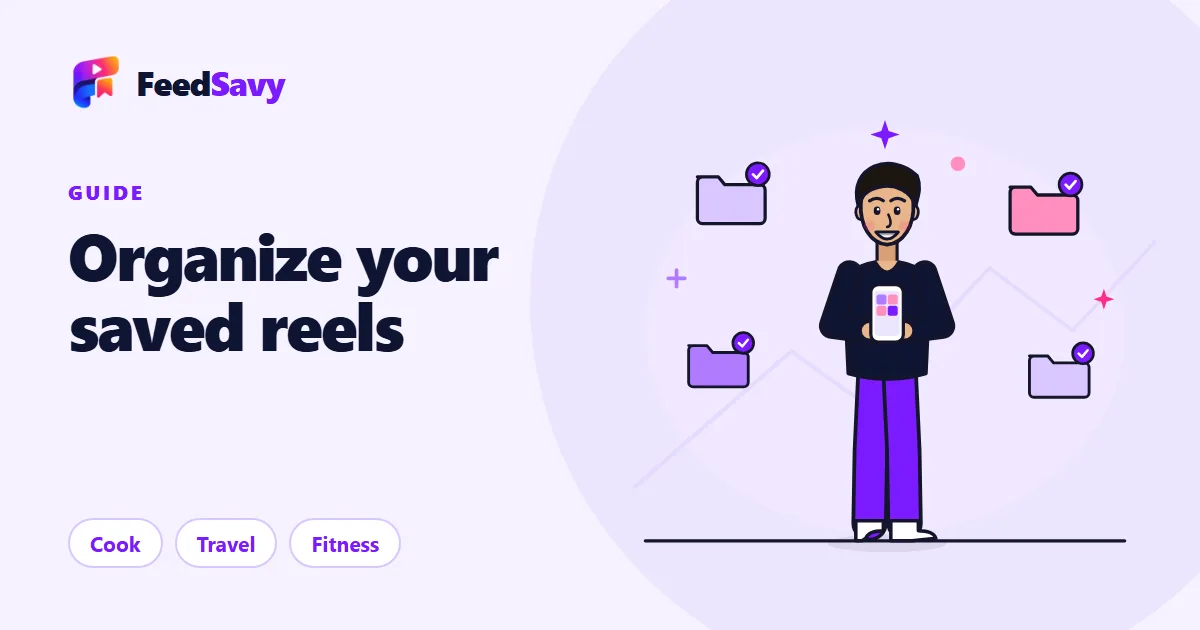
You save a reel because it is useful: a quick dinner, a workout, a place you want to visit. A month later you have 400 saved reels, no folders, and no idea where that pasta video went. Sound familiar?
The good news is that this is a system problem, not a you problem. Instagram's Saved tab is a long list. A list is great for collecting and terrible for finding. Here is a simple way to fix it.
Why the Saved tab stops working
Instagram does let you create collections, but most people never use them, because it adds a step at the exact moment you are scrolling for fun. So everything lands in one pile. The pile grows, and you stop opening it.

A three-step system that sticks
- Save in one tap. Use the share button and send the reel to a single place, instead of deciding on a folder right then.
- Let it sort itself. The best organizer puts each reel in a category for you, like Cook, Travel, Fitness or Style, so you never file anything by hand.
- Search, don't scroll. When you need something, type a word from the title or a tag and jump straight to it.
How it works in FeedSavy
FeedSavy sits in your phone's share sheet. Open a reel, tap Share, pick FeedSavy, and it is saved and sorted into a category. You can also create your own folders and move things around whenever you like.
- Auto-sorted categories, plus your own custom ones
- Search by title, tag or keyword
- Works with Instagram reels and posts, and Pinterest pins
- Free to start: 10 saves and 5 extracts on the Free plan
Tips to keep your library tidy
- Give folders names you would actually say out loud ("Dinner ideas", not "Misc 3").
- Do a two-minute clean-up once a week: delete anything you know you will never use.
- Add a tag when a reel fits two folders, such as "quick" or "budget".
A saved reel you never open is just a bookmark for a bad memory. Organize it once, and it pays you back every time you need it.
Ready to try it? See the plans or download the app and save your first reel today.